

Project Closeout
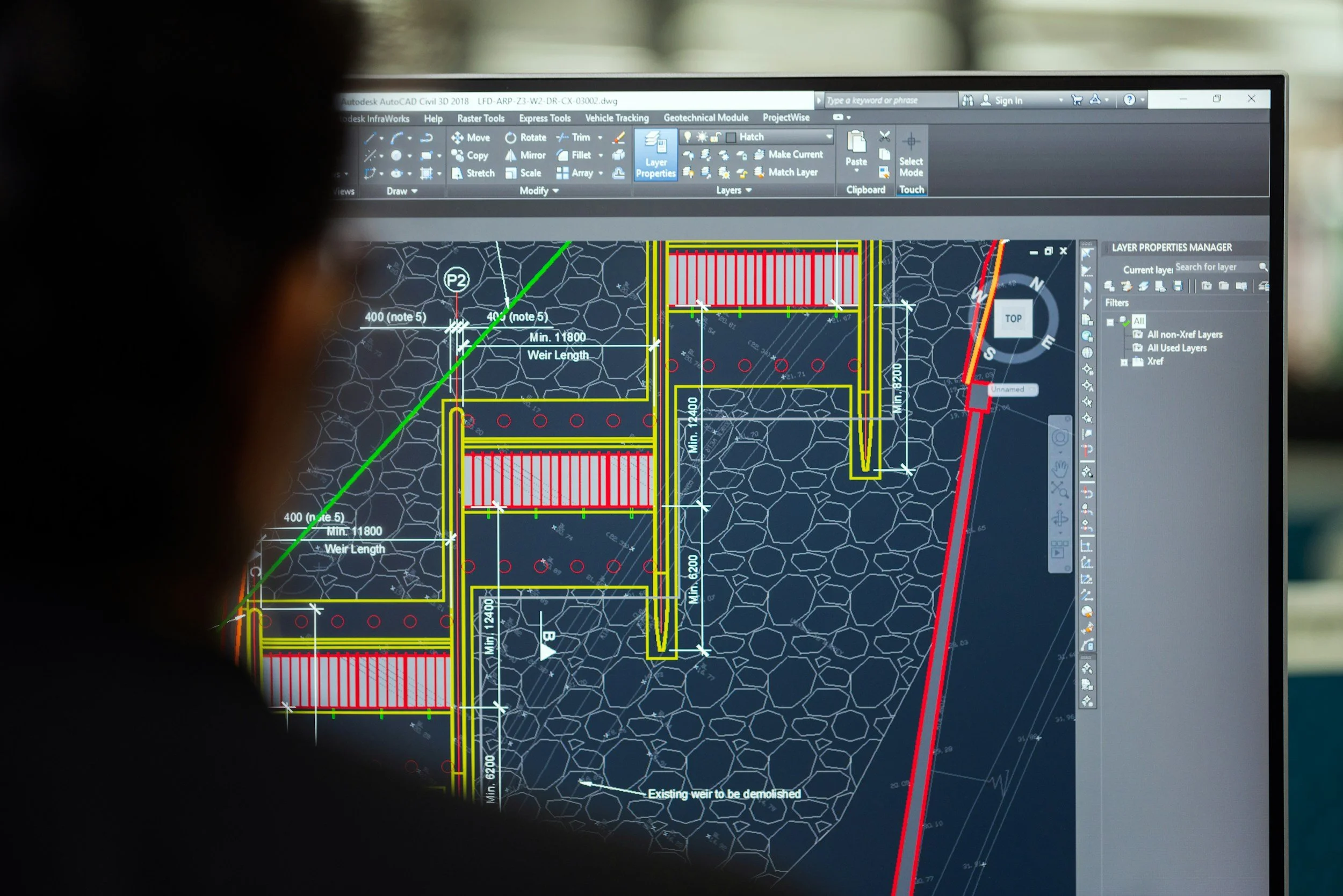
By closing work orders properly, utilities can:

Reduce financial risk through accurate cost tracking

Maintain Sarbanes-Oxley (SOX) compliance with complete and transparent documentation

Protect capital assets by ensuring they are correctly recorded and reported
Our structured closeout process provides the assurance that projects don’t just finish—they finish strong, with compliance, accuracy, and long‑term value secured
Essential Services for Capital Projects
Project closeout is a critical safeguard for utility companies, confirming every financial and operational detail is precise before final reporting. It ensures full accountability, regulatory compliance, and a seamless transition from project completion to operational excellence.
Once a project is placed in service, the closeout review begins. This critical step ensures every financial and operational detail is accurate and complete before final reporting. During the review, our team:
Verifies that all charges and credits are correct
Confirms all purchase orders (POs) are closed
Ensures transfers of materials, labor, and expenses are properly documented
Updates final property units and as-builts
Archives all required documentation in secure repository
At Khambay, the Project Closeout team leads this process, collaborating closely with Project Management, Engineering, Finance, Supply Chain, and Capital Asset Accounting to deliver a seamless and compliant project close.
Our Project Closeout Process
Project Closeout ensures every cost, material, and document is thoroughly reviewed and validated, so projects can be accurately closed and reported with confidence.
A clear, 7‑step workflow to ensure every project is closed accurately, documented properly, and compliant with financial and audit requirements.
-
Add projects to the Closeout Tracker
Collect key documents from the repository: Design Guide, Engineering Estimate (EE), and relevant emails
-
Run a financial report for all charges
Run a status report to identify open purchase orders (POs)
-
Verify expense/credit card charges and confirm transient materials usage
Check project transfers for accuracy
-
Match materials and costs in the material workbook
Confirm quantities and assignments with the Project Engineer
-
Field Transfer Form → valid Material IDs
Journal Entry (JE) → generic or non‑material transfers
AP Transfer → charges tied to purchasing documents
-
Confirm all POs and transfers are complete
Update as‑builts using workbook data
Save screenshots of final as‑builts to the repository
-
Update the completion checklist
Complete the SOX Checklist (if required) with signatures from PM, Engineer, Cost Analyst, and Auditor
Save all final versions in the repository